Example deploy
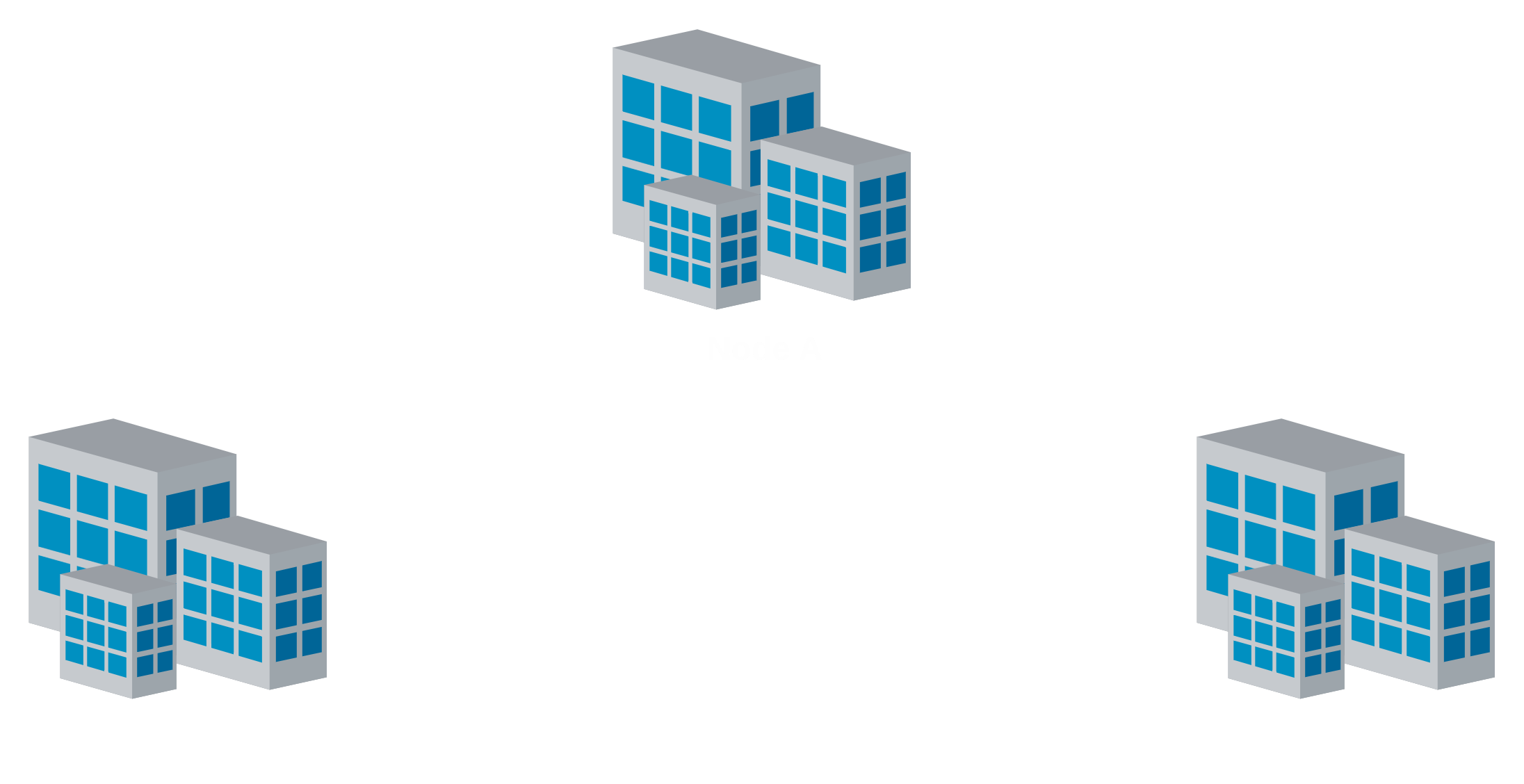
An example on how to set up the key rotator of Node A in the network above to support the links with Node B and Node C is provided here. Each node has only one network interface managed by WireGuard, wg0, and each node is publicly identified by its IP within the VPN, its WireGuard public key, and its Secure Application Entity (SAE) ID within the QKD network. Since, ML-KEM PQ-KE is going to be enabled, each node has also an ML-KEM public key.
# rotator.yml
interface: wg0
kms:
  uri: https://192.168.1.252/api/v1/keys
  certificate: sae_001.crt
  root_certificate: root.crt
  secret_key: sae_001.key
  sae: sae_001
  interface: 14
port: 2345
secret_auth_key: private/priv.key
peers:
  - IXqrmMgraj1Dn4LNKVL1zx4yDsroGNXRWy+yGYshfhY=:
      public_auth_key: pub_b.key
      ip: 10.0.0.2
      port: 2345
      sae: sae_002
      mode: server
  - l0Oxjz2L9iJVAWeL/6HcwCWOdMsFQFuln08VKoxayjU=:
      public_auth_key: pub_c.key
      ip: 10.0.0.3
      port: 2345
      sae: sae_003
      mode: server
      extra_handshakes:
      - ML_KEM_1024
The configuration above says the following:
- WireGuard network interface to manage is
wg0; - the KMS to get quantum-generated keys is accessible via the
https://192.168.1.252/api/v1/keys; - use the certificates in the files
sae_001.crt,root.crt, and the key insae_001.keyto establish a connection with the KMS; - the rotator has the
sae_001SAE ID; - the standard interface to be used to interact with the KMS is the ETSI GS QKD 014;
- the rotator is exposed on
10.0.0.1:2345(10.0.0.1 must be the IP assigned towg0); - the rotator is applied for the tunnel with the peer identified by the WireGuard public key
IXqrmMgraj1Dn4LNKVL1zx4yDsroGNXRWy+yGYshfhY=. The peer’s rotator is accessible at10.0.0.2:2345within the QKD network is identified by thesae_002SAE ID and Node’s A rotator acts as the server; - the rotator is also applied for the tunnel with the peer identified by the WireGuard public key
l0Oxjz2L9iJVAWeL/6HcwCWOdMsFQFuln08VKoxayjU=. The peer’s rotator is accessible at10.0.0.3:2345within the QKD network is identified by thesae_003SAE ID and Node’s A rotator acts as the server. Also, an extra key exchange using ML-KEM 1024 is activated.
The rotator can be started by performing the following command:
wg-qrotator up rotator.yml
The same configuration concepts apply to the other nodes.